
Agentyque

Your email automations,built in a conversation.

Describe a journey: AI draws the flow and writes every email with your brand and your products. Then your customers' behavior triggers it, for e-commerce and SaaS alike.

Automation examples
Maison Sève · Recover abandoned carts
  1. TriggerAdded to cart
  2. 1 hour
  3. Stop if the contact purchased
  4. Stop if the contact did “Checkout started”
  5. Send an emailCart reminder
  6. 1 day
  7. Stop if the contact purchased
  8. Send an emailLast cart follow-up
Flow ready: 2 emails written for Maison SèveTriggered by Pixel Agentyque

Follow up with visitors who add to cart without ordering: a reminder after one hour, a last nudge the next day, and stop as soon as they buy.

Illustrative demo: fictional brands, flows identical to the product's templates.

From one sentence to a flow that runs itself.

No more drawing every step or writing every email by hand. You describe the journey, AI builds it, your customers trigger it.

Describe, build, trigger. In one conversation.

A black ink brushstroke thins into a line leading to three circles, two violet and one ochre

Describe the journey

Abandoned cart, welcome, trial ending: one sentence is enough, AI gets the scenario.

Describe my journey
Two white paper envelopes linked by fine ink lines, over a violet wash and a black brushstroke

AI builds the flow

Trigger, delays, conditions and emails written with your brand.
Try the AI builder
Violet, ochre and grey dots flow down a wavy ink line into a brush-drawn circle

Your customers trigger it

Each contact enters at the right moment and leaves as soon as they convert.

Launch my automation

Email automation, from one sentence to the send.

AI builds the flow and writes the emails. Your customers trigger it. You stay in control of every step.
Two speech bubbles, one in black ink and one in violet wash, linked to a row of cards leading to an ochre-sealed envelope

A complete flow, from one sentence.

Say what you want in the builder's AI bar: AI proposes the trigger, delays, conditions and emails, then applies the flow straight to the canvas.

  • The whole journey at once. Trigger, waits, exit conditions and emails arrive together, in the right order.

  • Refine by keeping the conversation going. “Add a reminder on day 3”, “stop if the customer ordered”: the flow updates with every message.

  • Undo in one click. Every proposal can be undone and redone. AI asks for confirmation before deleting an email you already created.

Envelopes sealed with violet and ochre dots next to a dropper bottle and a jar, with a four-color swatch and a black brushstroke

Every email written with your brand.

The flow's emails are written by Agentyque's campaign builder. It knows your Brand Kit, your product catalog and the visuals of your site.

  • Your identity, no setup. Your brand's logo, colors, fonts and tone are applied to every email.

  • Your real products. The builder pulls products from your catalog, with their photos and prices.

  • Editable anytime. Open an email from the flow to rewrite it: the flow and its campaign stay in sync.

Added to cart
Checkout started
Purchase
Sign up
Trial started
Payment failed
Custom event

Your customers' behavior starts the flow.

An add to cart, a sign-up or a trial starting puts the contact in the right journey, at the right moment.

  • The Agentyque pixel for your store. Shopify, WooCommerce, PrestaShop or a custom site: the pixel tracks carts, checkouts and purchases.

  • The Events API for your SaaS. Sign-up, trial start, upgrade or failed payment, sent from your backend. Your custom events too.

  • Shopify, connected. Your store's orders, carts and sign-ups trigger your flows, respecting your customers' marketing consent.
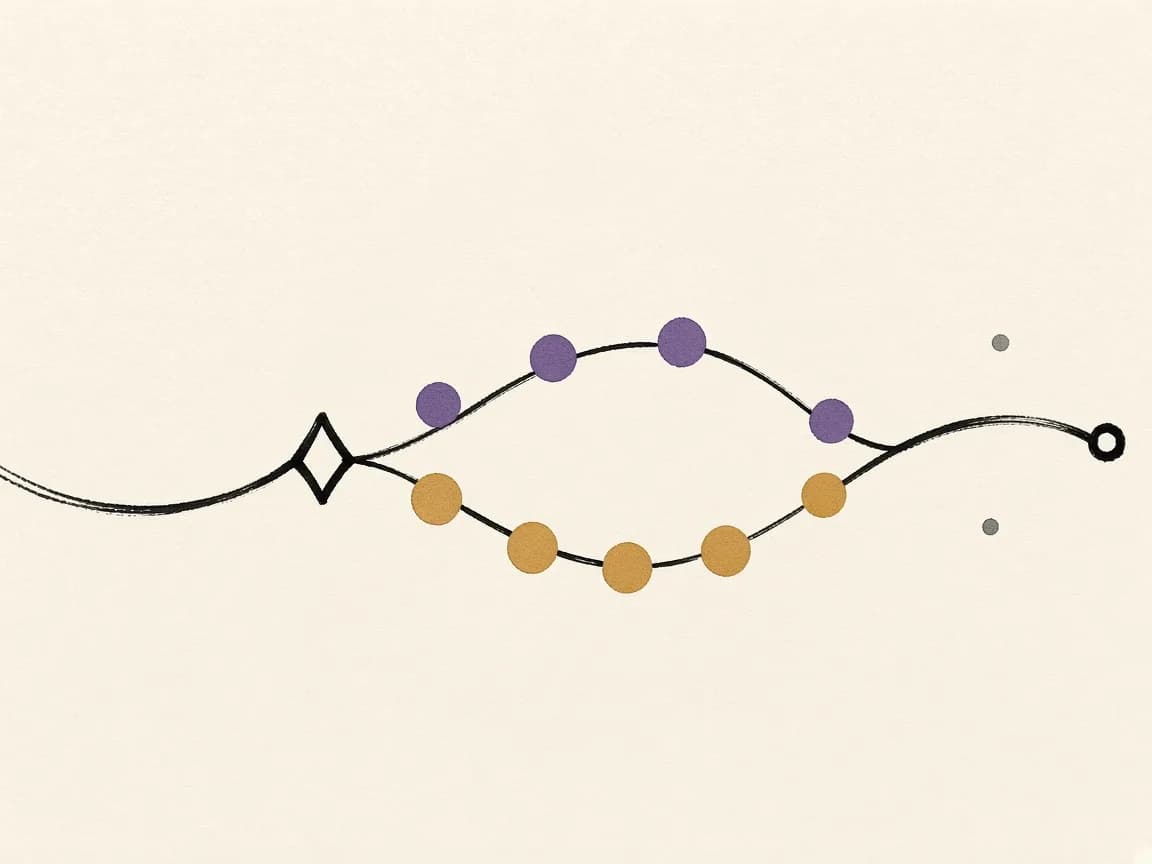
An ink line splits after a diamond into two paths, one of violet dots and one of ochre dots, which then join again

Journeys that adapt to every contact.

Wait for the right moment, take a contact out of the flow as soon as they convert, or split the journey based on what they did.

Read the e-commerce email automation guide
  • Delays in minutes, hours or days. A reminder one hour after the abandon, a tip one week after the purchase.

  • Exit conditions. The contact leaves the flow as soon as they buy or do the chosen event: no more pointless follow-ups.

  • Yes / no branches. If they bought or used a feature, they follow one path, otherwise the other, each with its own emails.
A fine ink line linking violet and ochre circles on ivory paper

Activate with confidence, follow every run.

Before activation, Agentyque checks the flow. Then you see what happens to every contact.

  • Checks before activation. Valid trigger, connected source, written emails: whatever is missing shows up with the action to fix it.

  • Run history. Who entered, where they are and why they left: purchase, condition or end of the flow.

  • Edit by hand. Reorder steps, change a delay or a condition right on the canvas.

Start from a ready-made template.

Proven journeys for e-commerce and SaaS, with their delays and conditions already set. Pick one, then ask AI to adapt it.

Recover abandoned carts

A product added to the cart without an order: a reminder 1 h later, a last follow-up the next day.

Flow steps

  1. Added to cart
  2. 1 hour
  3. Stop if the contact purchased
  4. Stop if the contact did “Checkout started”
  5. Cart reminder
  6. 1 day
  7. Stop if the contact purchased
  8. Last cart follow-up
Pixel Agentyque2 emails

Recover abandoned checkouts

A checkout started but not completed: three spaced follow-ups, stopped as soon as they buy.

Flow steps

  1. Checkout started
  2. 1 hour
  3. Stop if the contact purchased
  4. Order reminder
  5. 1 day
  6. Stop if the contact purchased
  7. Reassurance
  8. 2 days
  9. Stop if the contact purchased
  10. Last chance
Pixel AgentyqueShopifyBeta3 emails

Follow up on viewed products

A product viewed without being added to the cart: a reminder 4 h later, at most once a week.

Flow steps

  1. Product viewed
  2. 4 hours
  3. Stop if the contact purchased
  4. Stop if the contact did “Added to cart”
  5. Viewed product
  6. 7 days
Pixel Agentyque1 email

Welcome new subscribers

Newsletter or account sign-up: welcome, best sellers, then the brand story.

Flow steps

  1. Sign up
  2. Welcome
  3. 2 days
  4. Stop if the contact purchased
  5. Best sellers
  6. 3 days
  7. Stop if the contact purchased
  8. Our story
Pixel AgentyqueShopifyBeta3 emails

Thank customers after a purchase

A thank-you the day after the order, then usage tips a week later.

Flow steps

  1. Purchase
  2. 1 day
  3. Thanks for your order
  4. 6 days
  5. Usage tips
Pixel AgentyqueShopifyBeta2 emails

Ask for a customer review

10 days after purchase, time to receive and try: a simple review request.

Flow steps

  1. Purchase
  2. 10 days
  3. Review request
Pixel AgentyqueShopifyBeta1 email

Suggest complementary products

Two weeks after purchase, recommendations based on the order, unless they've already bought again.

Flow steps

  1. Purchase
  2. 14 days
  3. Stop if the contact purchased
  4. Recommendations
Pixel AgentyqueShopifyBeta1 email

Remind customers to restock

For consumable products: a reminder 30 days after purchase, unless they've bought again.

Flow steps

  1. Purchase
  2. 30 days
  3. Stop if the contact purchased
  4. Restock reminder
Pixel AgentyqueShopifyBeta1 email
Coming soonWin back inactive customersAnnounce a restockSend birthday wishes

Onboard new sign-ups

A welcome at sign-up, then a different path depending on whether the user has started using the product.

Flow steps

  1. Sign up
  2. Welcome
  3. 2 days
  4. Has the contact done “Feature used”?Yes
    1. Go further
    No
    1. First steps
  5. 3 days
  6. Stop if the contact did “Subscription”
  7. Tips & use cases
Events API3 emails

Convert free trials

From kickoff to the end of the trial: value, reminder, then last day. Stops once they subscribe.

Flow steps

  1. Trial started
  2. Trial kickoff
  3. 3 days
  4. Stop if the contact did “Subscription”
  5. Product value
  6. 7 days
  7. Stop if the contact did “Subscription”
  8. Trial ending soon
  9. 3 days
  10. Stop if the contact did “Subscription”
  11. Last trial day
Events API4 emails

Recover abandoned subscriptions

A plan chosen without completing payment: a reminder 1 h later, then the next day.

Flow steps

  1. Checkout started
  2. 1 hour
  3. Stop if the contact did “Subscription”
  4. Subscription reminder
  5. 1 day
  6. Stop if the contact did “Subscription”
  7. Last follow-up
Events API2 emails

Support plan upgrades

A thank-you for upgrading, then the unlocked features three days later.

Flow steps

  1. Plan upgrade
  2. Thanks for upgrading
  3. 3 days
  4. Unlocked features
Events API2 emails

Welcome new customers

First subscription: a customer welcome, then best practices a week later.

Flow steps

  1. Subscription
  2. Customer welcome
  3. 7 days
  4. Best practices
Events API2 emails

Collect customer feedback

A month after subscribing, one short question (NPS or open feedback), unless they've cancelled.

Flow steps

  1. Subscription
  2. 30 days
  3. Stop if the contact did “Churn”
  4. Your feedback matters
Events API1 email

Recover a failed payment

Payment declined: update the card right away, follow-ups on day 2 and day 5, stops once a payment goes through.

Flow steps

  1. Payment failed
  2. Update your payment
  3. 2 days
  4. Stop if the contact did “Payment succeeded”
  5. Payment reminder
  6. 3 days
  7. Stop if the contact did “Payment succeeded”
  8. Final notice
Events API3 emails

Win back after cancellation

The day after a cancellation, a question about why; two weeks later, an invitation to come back.

Flow steps

  1. Churn
  2. 1 day
  3. Why did you leave?
  4. 14 days
  5. Stop if the contact did “Subscription”
  6. Come back anytime
Events API2 emails
Coming soonRe-engage inactive users

AI Email Automation FAQ

Everything you need to know about email automations built by Agentyque's AI.

What is AI email automation?

It's a journey of emails that sends itself when a customer does something: adds to cart, signs up, starts a trial. In Agentyque, AI builds that journey from your description and writes every email with your brand and your products.

How does AI build a flow from a conversation?

Describe the scenario in the automation builder's AI bar. AI proposes a complete flow (trigger, delays, conditions, branches and emails) and applies it right away. You refine it by keeping the conversation going, and every proposal can be undone.

Who writes the automation's emails?

Agentyque's campaign builder. Each automation is linked to a campaign that holds its emails: AI writes them with your Brand Kit (logo, colors, fonts, tone), the products in your catalog and the visuals of your site. You can rewrite them at any time.

Which events can trigger an automation?

With the Agentyque pixel: product view, search, add to cart, checkout started, purchase or sign-up. With the Events API: sign-up, login, trial start, feature use, subscription, upgrade, failed or successful payment, churn. Both also accept your custom events. Shopify triggers on orders, carts and sign-ups.

What's the difference between a campaign and an automation?

A campaign is sent once, on the date you pick, to an audience. An automation sends its emails to every contact who enters the flow, following its delays and conditions. In Agentyque, an automation's emails live in a linked campaign: you edit them with the same builder.

Which automations for an e-commerce store?

Abandoned cart, abandoned checkout, viewed-product follow-up, welcome series, post-purchase, review request, cross-sell and replenishment are ready to use. Inactive customer win-back, back in stock and birthday are coming soon.

And for a SaaS?

Onboarding with a branch based on usage, trial conversion, abandoned subscription, upgrade, new customer, feedback request, failed payment and win-back after cancellation. Events come in through the Events API, from your backend.

Can I edit the flow without going through AI?

Yes. Every step opens right on the canvas: change a delay, a condition or an email, reorder steps, add a branch. Before activation, Agentyque checks that the trigger is valid, the source is connected and the emails are written.

Is email automation included in the free plan?

Yes, you can build your automations on every plan. Real sending of campaigns and automations starts on the Pro plan, and each AI request uses your plan's credits. The pricing page details the volume of each plan.

Describe the journey. AI handles the rest.

Free to start. No credit card required.